
IPTV Canada Setup Guide
Installation takes 3 to 5 minutes depending on the device. Here's how to set up each platform.
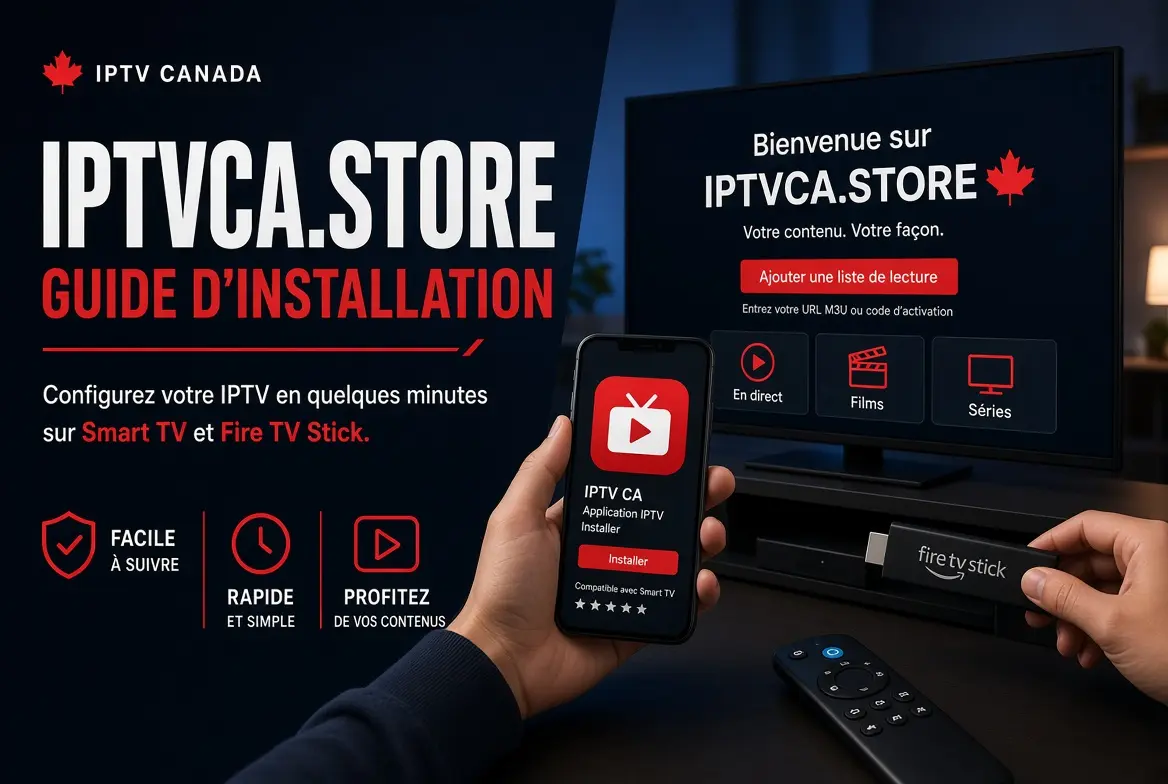
Setup by device
Smart TV (Samsung, LG)
Install the IPTV Smarters app from your TV's app store, then enter your credentials.
Android Box / Fire TV Stick
Download TiviMate or IPTV Smarters from the Android app store, then set up your M3U playlist.
Mobile (iOS / Android)
GSE Smart IPTV or IPTV Smarters works on mobile and tablet for watching on the go.
Computer (Windows / Mac)
VLC or a dedicated IPTV player can stream directly on a computer using the provided M3U URL.
Technical details
Recommended internet connection for IPTV in Canada
Minimum speed
A 15-25 Mbps connection is enough for stable HD/4K, regardless of your ISP (Bell, Vidéotron, Rogers, Telus). On Wi-Fi, keep the router close to the device to avoid drops.
If you hit blocking
If the stream cuts out regularly, a VPN can resolve some network restrictions. Compare providers on best IPTV Canada before switching services.
Frequently Asked Questions